Residential/Group Housing
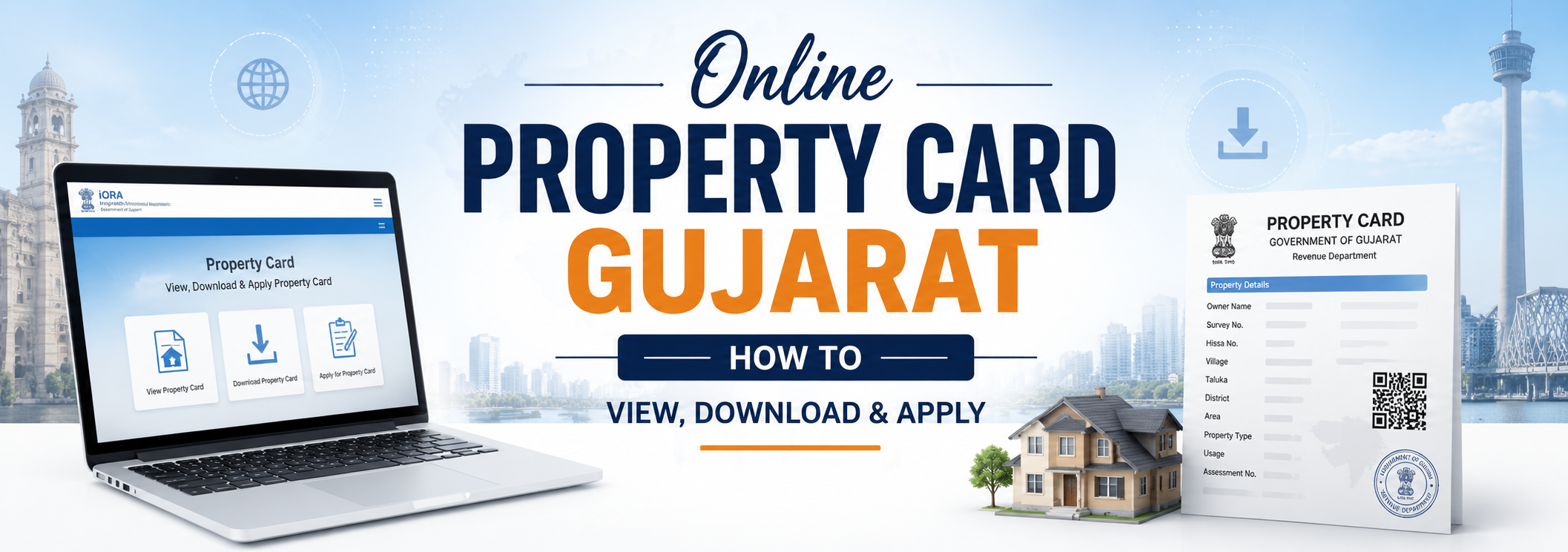
Online Property Card Gujarat: How to View, Download & Apply (2026 Guide)
24 June 2026
7345 Views
Summary
A property card in Gujarat is the ownership record for urban property, issued by the City Survey Office. You can view it free on anyror.gujarat.gov.in, download a legally valid digitally signed copy via e-Milkat, and apply for a new card or transfer through iORA. It's different from a 7/12 Utara, which is for rural/agricultural land.
If you own a flat, shop, plot, or house in any city or town of Gujarat, your online property card Gujarat is one of the most important ownership documents you can hold. It proves who legally owns an urban property, what its boundaries are, and whether any dues or disputes are attached to it.
no longer need to stand in line at the City Survey Office. Through the Gujarat Revenue Department's online portals — AnyROR and e-Milkat — you can view, download, and even apply for a property card from your phone or laptop. This guide walks you through the entire process in plain language, the way a Gujarat property owner actually searches for it.
What Is a Property Card in Gujarat?
A property card in Gujarat is an official government document that records the ownership and survey details of an urban (city) property. It is issued by the City Survey Office under the Revenue Department, Government of Gujarat. Because it is generated from the city survey records, people also call it the city survey property card, e-Milkat property card, or simply the milkat card ("milkat" means property in Gujarati).
A single online property card typically contains:
Owner's name and ownership share
City survey number and sheet number
Plot number, area, and boundaries
Mutation history (past owners and transfers)
Tax and encumbrance details
Any pending litigation noted on the record
This is why banks, buyers, and courts treat the property card as core proof during any urban property transaction.
Property Card vs 7/12 Utara: What Is the Difference?
This is the single most common confusion among Gujarat property owners, so let's settle it clearly. A property card and a 7/12 Utara (also called Satbara Utara) are not the same document — they cover different types of land.
Feature | Property Card | 7/12 Utara |
Land type | Urban / city land (plots, flats, shops, houses) | Rural / agricultural land |
Issued by | City Survey Office (Revenue Dept.) | E-Dhara / Talati via Revenue Dept. |
Identifier used | City survey number / sheet number | Survey or block number, village |
Main use | Urban ownership proof, sale, loans | Farm ownership, cultivation rights |
Where to view | AnyROR (Urban) / e-Milkat | AnyROR (Rural) |
So, the simple rule is: city land -> property card, village/farm land -> 7/12 Utara. If you want a deeper breakdown of the rural side,
read our detailed guide on what is 7/12 Utara.
A property card is for urban Gujarat property and is issued by the City Survey Office, while a 7/12 Utara is for rural agricultural land. Neither replaces a registered sale deed.
Where Can You Get a Property Card Online in Gujarat?
Three official Gujarat government portals handle property cards, and each has a slightly different job:
AnyROR (anyror.gujarat.gov.in) — to view both urban and rural records, including the property card (mool card) and unit property card.
e-Milkat (e-milkat.gujarat.gov.in) — the dedicated urban portal to apply for and print property cards.
iORA (iora.gujarat.gov.in) — the Integrated Online Revenue Application system used for new applications, property transfers, and digitally signed copies.
How to View Property Card Online in Gujarat (Step by Step)
Use this when you simply want to view property card online for quick verification — for example, before paying an advance on a property.
Open anyror.gujarat.gov.in in your browser.
Click on View Land Record – Urban.
Choose your document type:
Property Card / Mool Card — for a standalone plot or house.
Unit Property Card — for a flat, shop, or unit inside a larger building.
Select District -> City Survey Office -> Ward.
Enter the survey number and sheet number (you can also search the survey number by owner name or UPIN if you don't have it).
Type the captcha and click Get Record Detail.
How to Download Property Card Online Gujarat
When you need a copy that carries legal weight (for a bank loan, registration, or court use), you need the digitally sealed / digitally signed property card, not just the on-screen view.
Here is how to download property card online Gujarat:
Visit anyror.gujarat.gov.in or e-milkat.gujarat.gov.in.
Click Digitally Sealed Property Card Copy.
Log in / verify with your mobile number and OTP.
Enter your property details (district, city survey office, ward, survey number).
Generate and download the property card as a PDF.
This downloaded, digitally signed PDF is generally accepted for bank applications, property registration, and legal submissions. A small fee may apply for certified copies depending on your jurisdiction, so always confirm the current charge on the official portal.
How to Get a Property Card Online: Application Process
If you recently bought a property, inherited it, or need a fresh card issued in your name, you must file a property card application form Gujarat through e-Milkat / iORA. Here's how to get property card online:
Go to e-milkat.gujarat.gov.in and choose File an Application.
Enter applicant details: name, mobile number, email, and gender.
Select Property Card or Unit Property Card.
Fill in property details: district, city survey office, ward, survey number, sheet number, card number, and area in square metres.
Upload the required documents (listed below).
Click Calculate Fee and pay online if applicable.
Save and submit — you will receive an application / reference number.
Documents Required for Property Card in Gujarat
Keep these ready before you apply. Having the right documents required for a property card prevents rejection and delays.
Document | Why it's needed |
Aadhaar / PAN card/voter id | Identity proof of the applicant |
Sale deed / allotment letter | Proof of ownership / title |
Property tax receipt | Confirms the property and dues |
Encumbrance certificate | Shows the property is free of charges |
Survey number / UPIN | To locate the exact record |
How to Check Property Card Status & City Survey Number Search
After applying, you can track progress online instead of visiting the office:
Property card status: On e-Milkat, open Print Submitted Application, enter your application number and registered mobile number, then click Get Application to see the current stage.
City survey number search: On AnyROR's urban section, you can find your survey number using the owner's name, entry list by month-year, or UPIN if you don't already have the number.
This makes city survey number search and status checks fully self-service.
What Does a Property Card Format Look Like?
A standard property card format (sometimes called the property register card) is a structured record that lists, in order:
City survey number, sheet number, and ward
Owner name(s) and share
Plot/unit area and boundaries
Mutation entries showing ownership changes over time
Tax, encumbrance, and any litigation notes
What Are the Benefits of Having a Property Card in Gujarat?
The benefits of having a property card in Gujarat go well beyond just proving you own something:
Legal ownership proof for buying, selling, or transferring urban property.
Loan and Mortgage Approval since banks can verify ownership quickly.
Fraud protection — a clear card reduces the risk of disputed or double sales.
Transparent mutation history, so buyers can trace past owners.
Useful in land acquisition, when the government identifies and compensates legal owners.
Easier tax and record management for the property.
For broader land-record verification, you may also want to check your village-level records
Read More: Bhulekh Gujarat land records online
Common Problems and How to Fix Them
Record not found Re-check the survey/sheet number from your sale deed — small typos are the usual cause. The property may also sit under a different ward.
Outdated owner name: This means a mutation is still pending. The new name appears only after the City Survey Office / E-Dhara updates the record.
Portal not loading: Try again after a short while, switch browsers, or clear your cache. The portals occasionally go down for maintenance.
Need it for sale/loan: Always use the digitally signed copy, and pair it with the registered sale deed and a Index-2 copy for complete due diligence.
Final Thoughts
The online property card Gujarat system has made urban land verification faster, safer, and far more transparent than the old office-visit method. Whether you want to view, download, or apply for a property card, the AnyROR and e-Milkat portals put the whole process in your hands.
Before any urban property deal in Gujarat, pull your property card, read the mutation section carefully, and confirm the details match the sale deed. A few minutes of online verification today can save you from a costly dispute tomorrow.
Disclaimer: Portal features, fees, and steps may change. For the latest and official information, refer to the Gujarat Revenue Department's official portals — anyror.gujarat.gov.in and e-milkat.gujarat.gov.in.
Everything you need before you decide.
Still have questions? Our team is here to help.
- What is the online property card in Gujarat?
It is the digital version of an urban property ownership record, issued by the City Survey Office and viewable on AnyROR and e-Milkat. It shows the owner, survey number, area, and ownership history.
- How do I download a property card online in Gujarat?
- Is the property card the same as a 7/12 Utara?
- What is the difference between a property card and a unit property card?
- Is the online property card legally valid?
Everything you need before you decide.
Still have questions? Our team is here to help.
- What is the online property card in Gujarat?
It is the digital version of an urban property ownership record, issued by the City Survey Office and viewable on AnyROR and e-Milkat. It shows the owner, survey number, area, and ownership history.
- How do I download a property card online in Gujarat?
- Is the property card the same as a 7/12 Utara?
- What is the difference between a property card and a unit property card?
- Is the online property card legally valid?